
AI image creation and editing
upsampler: AI Image Creation
The bison visual is editorial artwork, not a verified Supavisual before-and-after result.
Image workspace
Bring your image idea to Supavisual
Open the separate image workspace to generate, edit or upscale a single image. Add prompts or upload images there; nothing entered here is forwarded.
Open Supavisual image toolsSign-in and paid or granted access are required for AI jobs. Video generation and video upscaling are not available there.
Three Image Workflows.
Choose an image tool in Supavisual, then enter a prompt or upload an image there.


01 · Image Generation
Generate Images from Prompts
Generate completely new images from text prompts and reference images. Explore a wide range of styles and possibilities, from photorealistic portraits to illustrations.
Explore image models

 ◀▶BeforeAfter
02 · Image Upscaling
Upscale and Enhance Images with AI
Increase image resolution and bring out fine detail. Creative approaches can add new texture, while faithful enhancement aims to stay close to the original as it sharpens and reduces noise.
Explore image upscaling
03 · Image Editing
Edit Images with Text Instructions
Upload an image in the destination workspace and describe a change in text. Review the whole result carefully: this is general image editing, not a masked-area tool that guarantees everything else stays unchanged.
Explore image editing

 ◀▶BeforeAfter
Single-Image Upscale Options
Choose 2× or 4× upscaling in Supavisual's image editor, one image per job.
Upscale Realistic Human Portraits
Explore finer skin texture, clearer features, and more natural-looking portrait detail. When keeping a real person’s exact identity matters, choose an approach that stays faithful to the source.
 ◀▶BeforeAfter
 ◀▶BeforeAfter
Elevate Architectural Imagery
Bring interior concepts, architectural images, and renders into sharper focus. Compare how added definition changes surfaces, lighting, ornament, and the impression of a whole space.

 ◀▶BeforeAfter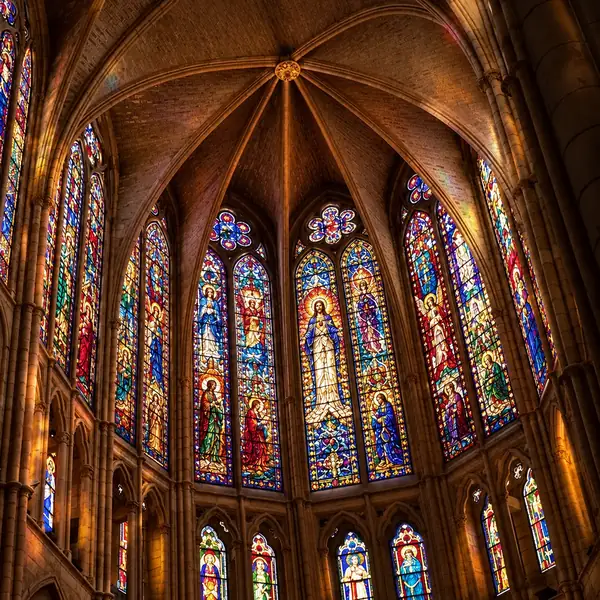
 ◀▶BeforeAfter
Improve Anime Scenes and Digital Illustrations
Bring sharper lines, added texture, and vivid color to illustrated scenes while considering which parts of the original composition you want to preserve.

 ◀▶BeforeAfter
 ◀▶BeforeAfter
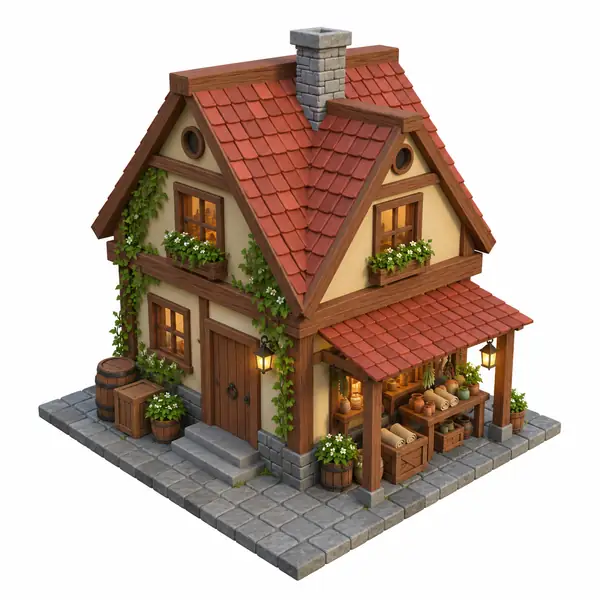
Upscale Game Assets & Graphics
Give stylized assets clearer materials and small details, whether you are refining an architectural prop or a character design.
 ◀▶BeforeAfter
 ◀▶BeforeAfter
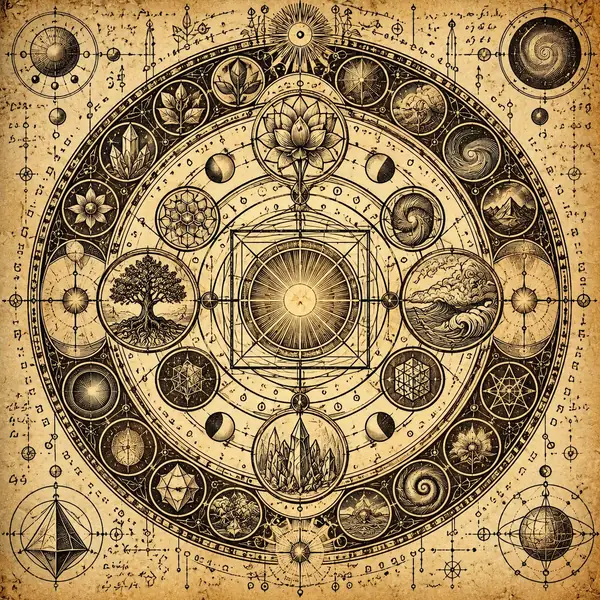
Upscale Images Containing Text
When symbols and lettering matter, preserving their shapes is as important as sharpening the surrounding image. Compare fine decorative marks and larger printed type.
 ◀▶BeforeAfter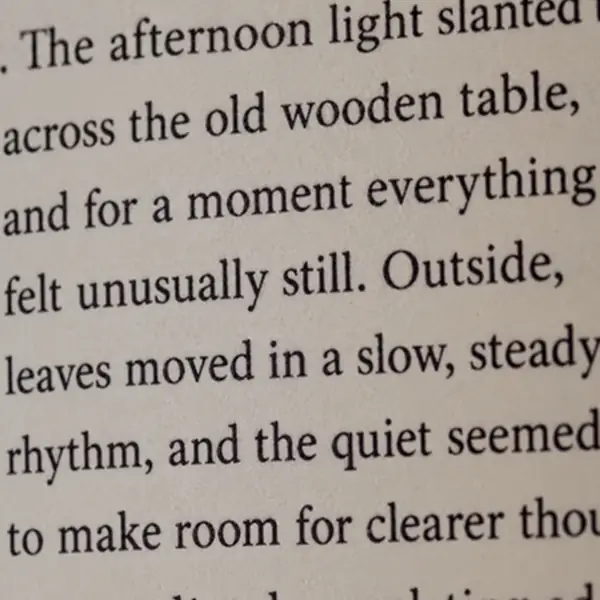
 ◀▶BeforeAfter
Create and Enhance Still Images
Start with an image idea or an existing picture. Supavisual opens separately for image generation, general editing or single-image upscaling; it does not offer video generation or video upscaling.
Start creatingFrequently Asked Questions
What can I do with Upsampler?
Supavisual supports image generation, general image editing and single-image 2×/4× upscaling. Video generation and video upscaling are not available.
How do I get started?
Open Supavisual using the link above, then choose an image tool and enter your prompt or upload an image there. Sign-in and paid or granted access are required for AI jobs.
Can I work from an existing image?
Open Supavisual with the link above; choose an image tool and upload an image in its workspace.
Can I change my creative direction?
On Supavisual, enter a different prompt or provide a different source image; this page does not pass prompts to it.
What if a result is not what I wanted?
Try a more specific description or a different starting image. Check the platform’s own policies for questions about a completed job.
Can I use results commercially?
Review the creation platform’s current terms and any applicable model terms before using an output commercially.
How much control do I have over the result?
Your description and chosen starting point guide the work. Available settings depend on the tool you select after continuing.
What can I upload?
Check the upload controls on the creation platform for its current supported file types and limits.
Is there an API?
For developer access or integrations, consult the creation platform’s current documentation.